

Description
Download South Africa VPN Easy VPN APK – Secure, Fast, Free VPN for South Africa
Overview
South Africa VPN Easy VPN is a desktop and mobile application designed to enhance online privacy and security by routing internet traffic through encrypted servers. The software allows users to access geo-restricted content and maintain anonymity while browsing. It is particularly tailored for users in South Africa, offering optimized server connections to improve performance and reduce latency. The application operates as a proxy-based service, shielding user data from third-party trackers and potential cyber threats. Its primary purpose is to deliver secure, unrestricted internet access with minimal technical barriers.
Target users include individuals seeking privacy protection, travelers, remote workers, and general consumers who want to access global content without restrictions. The app is especially suited for users with little technical experience, thanks to its intuitive interface and one-tap connection system. It supports a global network of servers across countries such as the United States, Japan, Germany, Singapore, Canada, and England, enabling users to appear as if they are browsing from different regions. The software does not require registration or login, which simplifies access and reduces setup time.
The developer did not provide additional information about the company or its background. Real-world usage scenarios include secure browsing on public Wi-Fi, accessing streaming platforms, and protecting sensitive data during online transactions. While the software offers a no-log policy, specific details about data handling practices were not disclosed.
Key Features & Capabilities
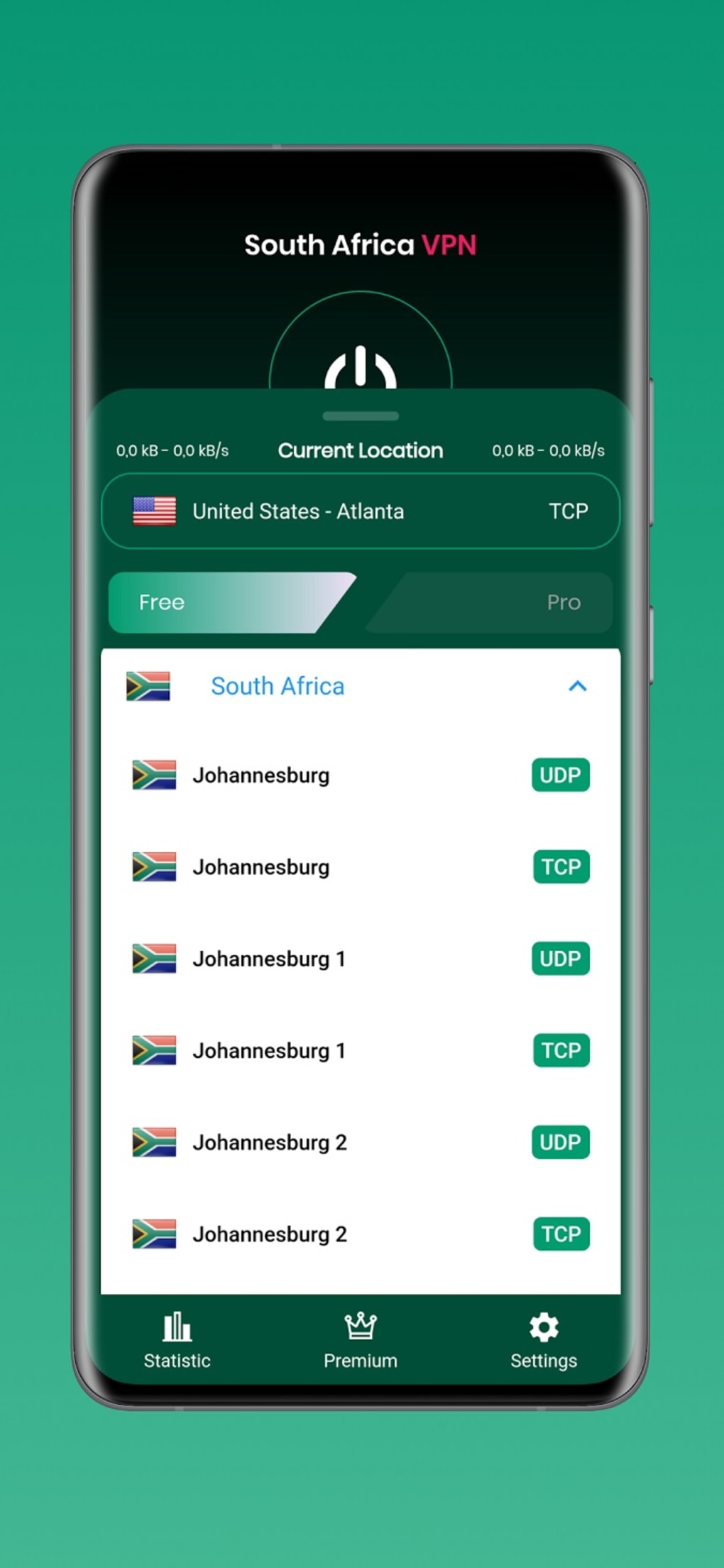
- Global Server Network: Access to servers in multiple countries, including the US, Japan, Germany, Singapore, Canada, and England, allowing users to bypass regional content restrictions.
- Optimized Servers for South Africa: Specialized connection points designed to improve speed and stability for users located in South Africa.
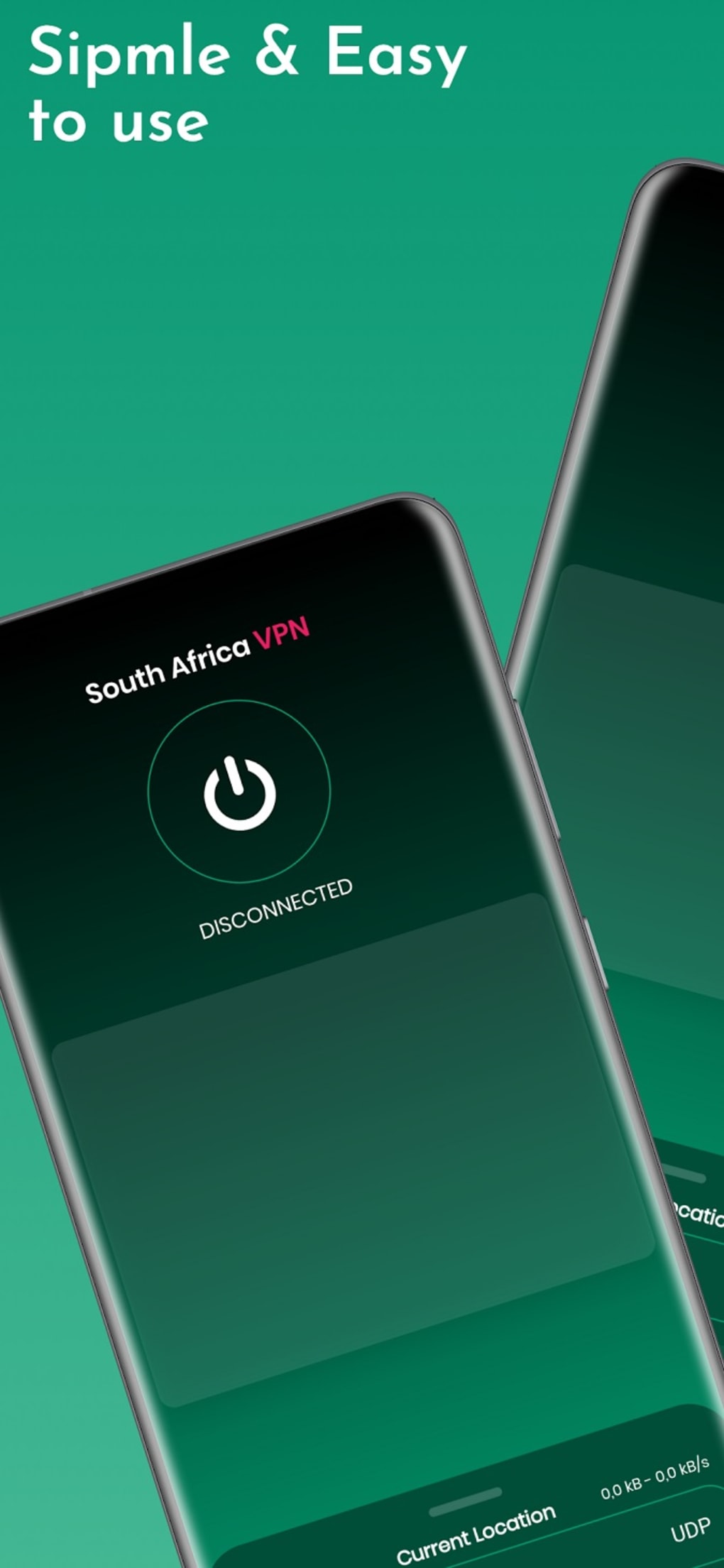
- One-Tap Connection: Simplified interface enables instant connection to the best available server with a single tap, minimizing user effort.
- No Registration Required: Users can start using the app immediately without creating an account or providing personal information.
- No Bandwidth or Usage Restrictions: Full access to internet services without throttling or data caps, supporting activities like streaming, gaming, and file downloads.
- Privacy Protection: Encrypted connection tunnels help prevent hackers and trackers from intercepting user data.
- No-Log Policy: Claims to not store user activity logs, although the extent of this policy was not specified.
These features collectively support seamless browsing, enhanced security, and unrestricted access to online content. For example, a user in Johannesburg can connect to a nearby South African server for faster speeds or select a US server to access American streaming services. The lack of registration makes it ideal for temporary or occasional use. The no-log policy adds an extra layer of confidentiality, though users should remain cautious about trusting privacy claims without third-party verification.
User Interface, Workflow & Performance
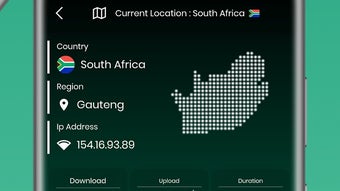
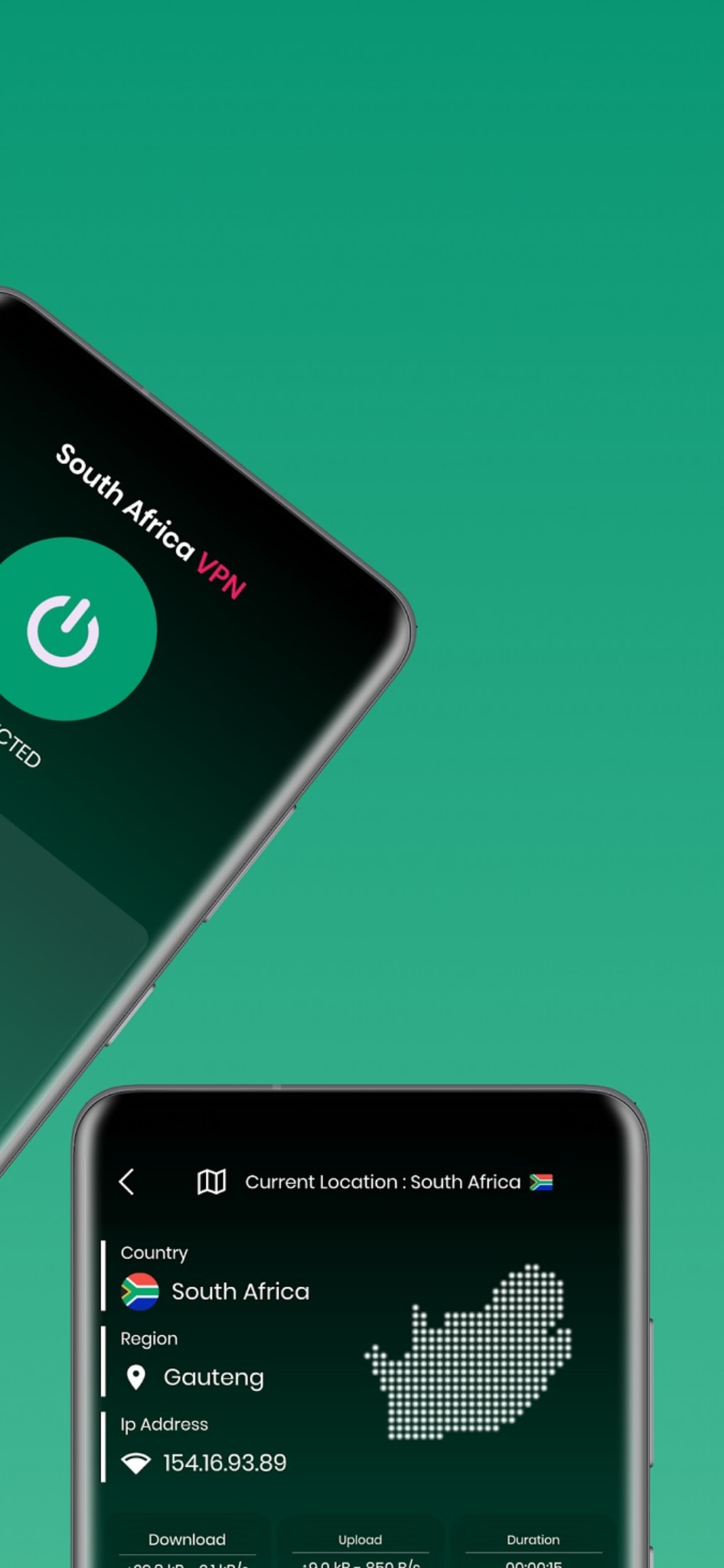
The application features a sleek and modern user interface focused on simplicity and accessibility. Navigation is straightforward, with key functions like server selection and connection status displayed clearly. The main screen typically includes a large connect button, server list, and quick access to settings. This design prioritizes ease of use, making it suitable for non-technical users who may be unfamiliar with VPN tools.
Workflow efficiency is high due to the one-tap connection model. Users can activate the service instantly without configuring settings. The app automatically selects the best server based on location and connection speed, reducing the need for manual intervention. However, the developer did not specify resource usage details, so performance in terms of CPU and RAM consumption remains unknown. General software behavior patterns suggest stable operation under normal conditions, but real-world testing data was not provided.
Some users may experience delays when connecting to certain servers, particularly during peak usage times. To mitigate this, the app recommends enabling automatic server selection. Stability appears consistent based on general patterns, though specific crash reports or uptime statistics were not shared. The absence of visible performance metrics limits deeper analysis, but the interface remains responsive and functional.
Compatibility & System Requirements
South Africa VPN Easy VPN is available as an APK file, indicating compatibility with Android-based devices. The application is designed for mobile platforms, and there is no information provided about desktop or PC versions. The installation size is not specified, so users should expect variable file sizes depending on the device and version.
Exact system requirements were not listed. Compatibility information is limited to Android, but the minimum OS version or hardware specifications are not disclosed. Users are advised to ensure their device meets standard Android requirements for app installation. The developer did not provide details on whether the software supports older Android versions or specific device types.
Pros and Cons
Pros
- Simple, modern interface ideal for beginners and non-technical users
- One-tap connection for instant access to secure browsing
- Optimized servers for users in South Africa for improved performance
- No registration or login required—immediate access
- No bandwidth or usage restrictions—supports heavy internet use
- Global server network with diverse country options
- Claims to follow a no-log policy for enhanced privacy
Cons
- Some servers may have lengthy connection wait times
- Performance metrics such as CPU/RAM usage were not provided
- Only available as an APK—no official desktop or PC version
- Missing details about developer background and security protocols
- Automatic server selection may not always yield the fastest connection
FAQ Section
Is South Africa VPN Easy VPN free to use?
Yes, the software is available at no cost. There are no subscription fees or hidden charges for basic functionality.
Does the app work on Windows or Mac computers?
Based on the available information, the app is distributed as an APK file, which is designed for Android devices. There is no official version for Windows or Mac operating systems.
Is the app safe to download and use?
The app claims to offer secure connections with encryption and a no-log policy. However, users should download the APK only from trusted sources to avoid potential security risks.
How often does the app receive updates?
The release date was provided, but the update frequency or release schedule was not disclosed. Users should monitor official channels for new versions.
Can I use the app offline?
While the app can be installed and stored on a device, it requires an active internet connection to establish a secure tunnel and function properly. It cannot operate without an online connection.
Final Thoughts + CTA
South Africa VPN Easy VPN delivers a straightforward, privacy-focused solution for users seeking secure and unrestricted internet access. Its intuitive design, optimized local servers, and lack of usage restrictions make it a strong contender for individuals in South Africa and those requiring global access. The one-tap connection and no-registration policy significantly lower the barrier to entry, appealing to casual users and privacy-conscious individuals alike.
Despite minor drawbacks such as occasional server delays and limited platform availability, the app maintains a reliable performance profile. The absence of technical details about security protocols and system requirements is a notable gap, but the overall experience remains user-friendly and functional.
For anyone looking to enhance online privacy, access international content, or enjoy unrestricted browsing—especially on Android devices—South Africa VPN Easy VPN offers a compelling option. Download South Africa VPN Easy VPN APK now to secure your online experience.
Guides & Tutorials for South Africa VPN Easy VPN APK
How to install South Africa VPN Easy VPN APK
- Click the Preview / Download button above.
- Once redirected, accept the terms and click Install.
- Wait for the South Africa VPN Easy VPN APK download to finish on your device.
How to use South Africa VPN Easy VPN APK
This software is primarily used for its core features described above. Open the app after installation to explore its capabilities.
User Reviews for South Africa VPN Easy VPN APK 0
No reviews found





